

The Management section enables the user to perform key system updates such as setting the Solis Hub's IP address log-in username and password, enabling or disabling TR069, and upgrading the Solis Hub's firmware.
 Time
Time
The Time sub-section contains several pages related to time-related settings.
NTP Server
The NTP Server page enables user’s to set the current time and time zone onto their Solis Hub, in addition to setting NTP server.
| Item | Description |
| Current Time | Select the time zone in your area. |
| Copy LAN time | Copy time from computer. |
| Time Zone Select | Select the time zone from the drop box. |
| Enable NTP client update | NTP client update. |
| Automatically Adjust Daylight Saving | Daylight savings function. |
| NTP Server | Select the well-known NTP Server. |
| Manual IP Setting | Enter the server manually. |
Reboot Schedule
The Reboot Schedule page enables user’s to allow their Solis Hub to reboot automatically at a specified time.
System Log
| Item | Description |
| Enable Log | Log function. |
| System All | Print all log information. |
| Wireless | Print wireless log information. |
| DoS | Print DoS log information. |
| Enable Remote Log | “Logging to Syslog Server”. |
| Log Server IP Address | Enter the Syslog server IP address. |
System Settings
The System Settings subsection contains several pages related to basic administration settings.
Administrator
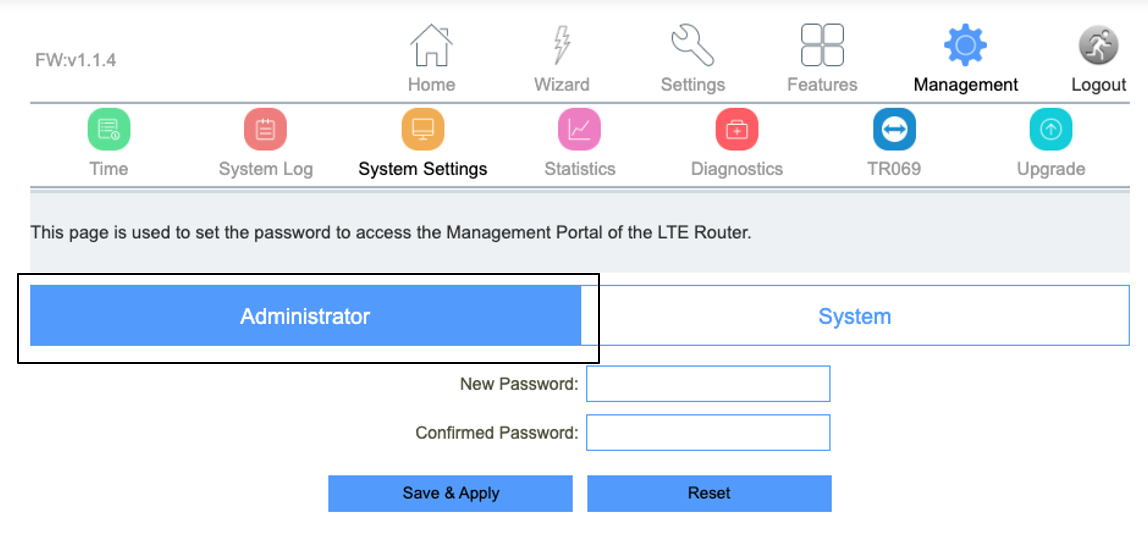
The Administrator page allows users to set the Solis Hub's IP address log-in username and password.
 System
| Item | Description |
| Save settings to file | Save the settings to the local PC. |
| Load settings from File | Load the settings from the local PC. |
| Reset Settings to Default | Restore the device to factory default. |
| Reboot the device | Press the button to reboot the device. |
The System page allows user’s to back up, restore, and erase the Solis Hub's current settings. Once you provision your router to your liking, it is recommended to back up the settings so that they are saved as a file on your computer. In the future, you can then restore the Solis Hub's settings from this file.
Statistics
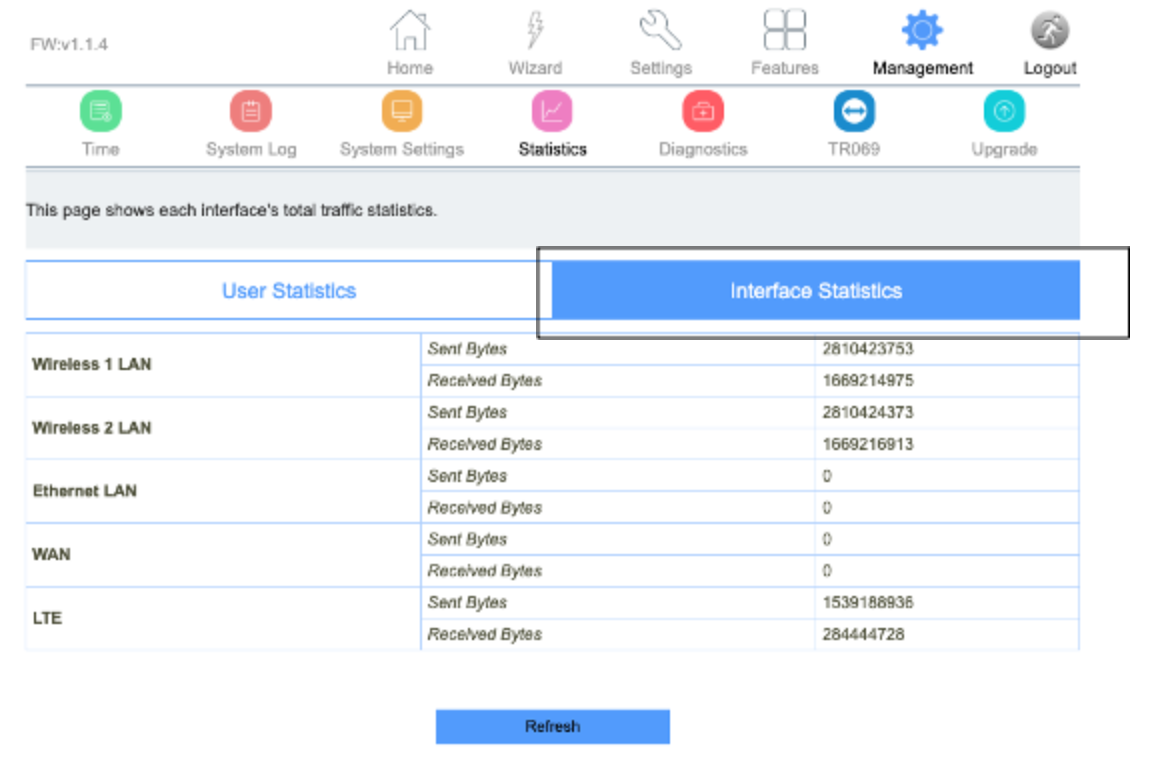
The Statistics subsection contains several pages related to basic administration settings.
User Statistics
Interface Statistics
 Diagnostics
The Diagnostics page provides various diagnostics surrounding ping and traceroute for IP connection.
Ping
Traceroute
TR069 (Not supported with vSIM)
The TR069 page is used to configure the TR069 functionalities in addition to setting the ACS’s parameters.
| Item | Description |
| TR069 | Technical Report 069 |
| ACS | ACS server domain or IP Address. |
| User Name | Username for connection to ACS. |
| Password | Password for connection to ACS. |
| Periodic Inform Enable | Periodic inform. |
| Periodic Inform Interval | Periodic inform interval. |
| Connection Request User Name | User Name used form ACS connection to TR069. |
| Connection Request Password | Password used form ACS connection to TR069. |
| Path | Connection request path. |
| Port | Connection port. |
Upgrade
From time to time, new versions may be released of the Solis Hub's Firmware. Firmware updates contain improvements and fix existing problems.
The Local Upgrade page enables users to upgrade the Solis Hub's software.
The Online Upgrade section of the page enables users to upgrade the mobile module firmware to a new version.
Do not power off the device during the upload as it may crash the system.
Comments
Please sign in to leave a comment.